CSS ເປັນພາສາທີ່ຂຽນເພື່ອໃຫ້ເວັບໄຊຕ໌ສາມາດສະແດງອົງປະກອບຕ່າງ ໆ ໄດ້ຕາມຕ້ອງການ ເຊັ່ນ ສີ ຟອນ ຄວາມສູງ ຄວາມກວ້າງ ໄລຍະຫ່າງຂອງຂອບ ແລະ ອື່ນໆ ອີກຫລວງຫລາຍ ຊຶ່ງໃນບົດຄວາມນີ້ຈະມາແຈກເທັກນິກດີໆ ທີ່ເຮັດໃຫ້ເພື່ອນໆ ສາມາດຂຽນ CSS ໄດ້ງ່າຍໃນ 1 ບັນທັດ
ເປັນຫຍັງຕ້ອງຂຽນ CSS Shorthand ?
- ຊ່ວຍປັບປຸງໂຄ້ດ ສາມາດອ່ານ ແລະ ເຮັດຄວາມເຂົ້າໃຈໂຄ້ດໄດ້ງ່າຍຫລາຍຢິ່ງຂຶ້ນ
- ຊ່ວຍປັບປຸງປຣະສິດທິພາບຂອງການໂຫຼດໜ້າເວັບ
Background Shorthand
ຊ່ວຍໃຫ້ເຮົາສາມາດກຳນົດຄຸນສົມບັດຕ່າງ ໆ ເທິງພື້ນຫຼັງໄດ້ຕາມຕ້ອງການ ເຊັ່ນ ສີ ຂະໜາດ ຮູບພາບ ຕຳແໜ່ງ
🔹 Old
.container {
   background-color: #000;
   background-image: url(images/bg.gif);
   background-repeat: no-repeat;
   background-position: left top;
}
🔸 Shorthand
.container{
   background: #000 url(images/bg.gif) no-repeat left top;
}
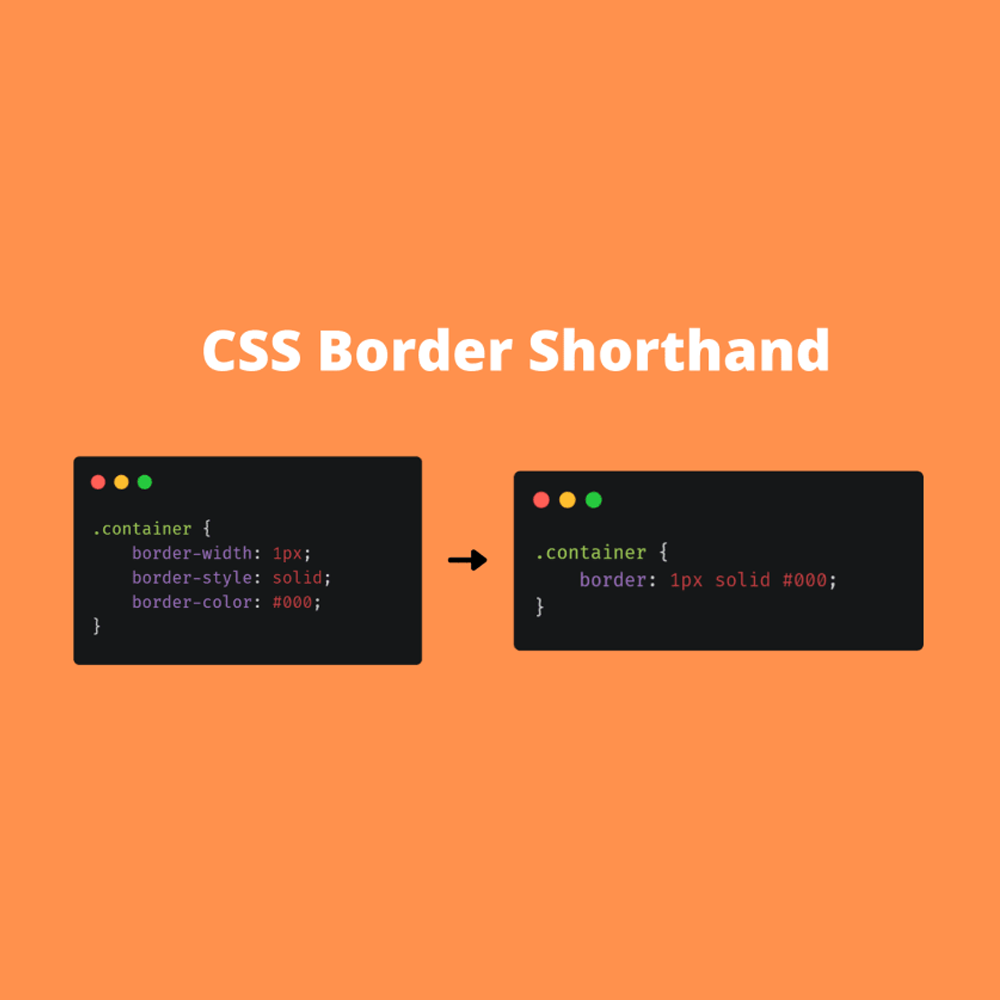
Border Shorthand
🔹 Old
.container{
   border-width: 1px;
   border-style: solid;
   border-color: #000;
}
🔸 Shorthand
.container{
   border: 1px solid #000;
}
Font Shorthand
🔹 Old
.container{
   font-style:italic;
   font-weight:bold;
   font-size:.8em;
   line-height:1.5;
   font-family:Arial, Helvetica, sans-serif
}
🔸 Shorthand
.container{
   font: italic bold .8em/1.5 Arial, Helvetica, sans-serif;
}
Inset Shorthand
🔹 Old
 .container{
   top: 10px;
   right: 4px;
   bottom: 4px;
   left: 10px;
}
🔸 Shorthand
.container{
   /* top | right | bottom | left */
   inset: 10px 4px 4px 10px;
}
Padding Shorthand
🔹 Old
.container{
   padding-top: 10px;
   padding-right: 5px;
   padding-bottom: 10px;
   padding-left: 5px;
}
🔸 Shorthand
.container{
   /* top | right | bottom | left */
   padding: 10px 5px 10px 5px;
}
Margin Shorthand
🔹 Old
.container{
   margin-top: 10px;
   margin-right: 10px;
   margin-bottom: 10px;
   margin-left: 10px;
}
🔸 Shorthand
.container{
   /* top | right | bottom | left */
   margin: 10px 10px 10px 10px;
}
ແລະ ທັງໝົດນີ້ຄື CSS Shorthand ທີ່ເຮົານຳມາຝາກເພື່ອນ ໆ ລອງໄປປັບໃຊ້ກັບໂປຣເຈັກກັນເບິ່ງນະ ແລະ ຫາກບົດຄວາມນີ້ຜິດພາດປະການໃດ ກໍຂໍອະໄພມາ ນະ ທີ່ນີ້ດ້ວຍ